

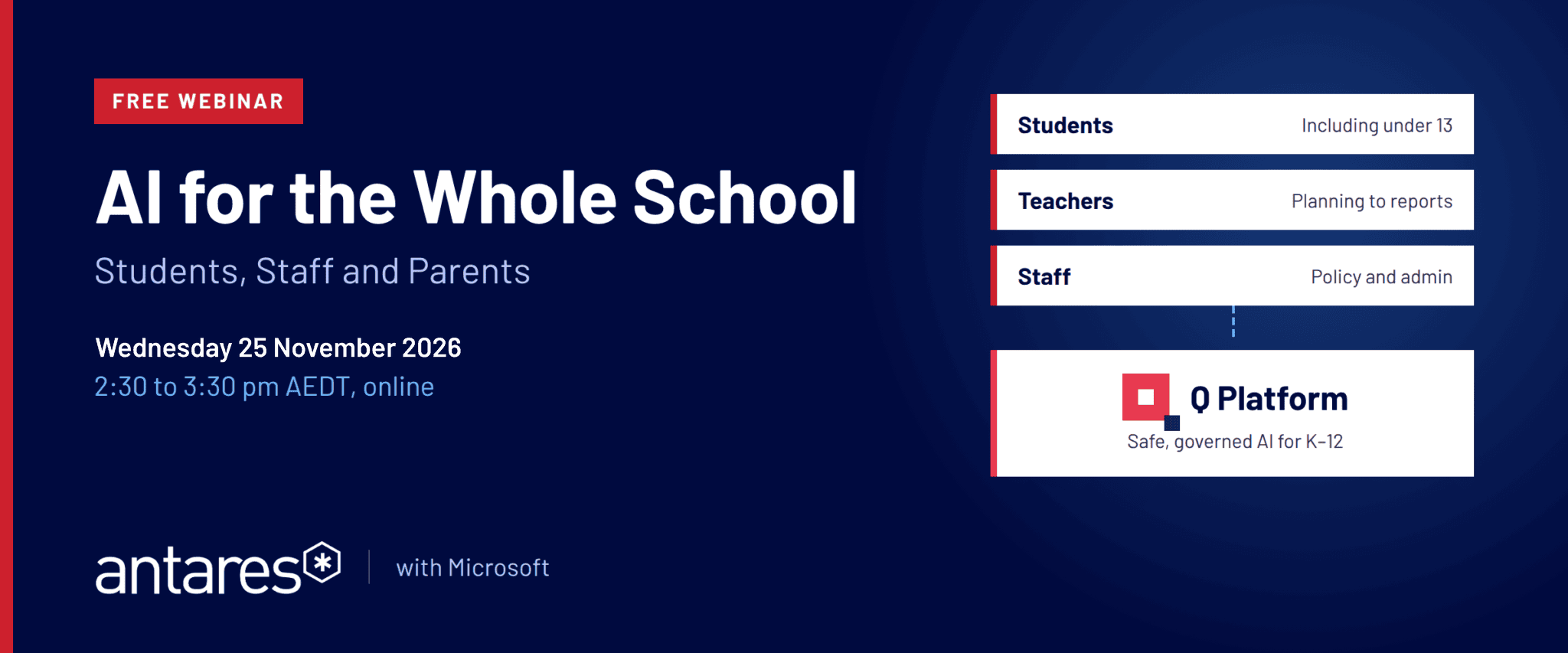
AI for the Whole School: Safe AI for K–12 Students, Staff and Parents
AI for the Whole School: Safe AI for K–12 Students, Staff and Parents
Free webinar | Wednesday 25 November 2026 | 2:30 to 3:30 pm AEDT | Online
Discover Q Platform for safe, governed AI for K–12, including students under 13.




AI is already in your school. Is it under control?
A few teachers use ChatGPT, IT is piloting Copilot, and students are finding their own tools at home. It's useful work, but it adds up to a licence and a set of risk controls for every tool, different answers for every person, and no single, safe option the school can offer every student.
If your school is already rolling out Microsoft 365 Copilot to staff, we'll show where Q Platform fits alongside it, giving students a safe, age-appropriate option that the school controls.
Join Microsoft and Antares for a live session on how K–12 schools are bringing governed AI to students and staff, without handing student data to public tools and without asking the ICT team to build and maintain agents on their own.
No safe AI option for students under 13
Most AI tools in schools were built for adults or older students, which leaves primary and junior years without a supported option. We'll show how schools are giving younger students access to AI with age-appropriate guardrails, safe language settings and content limited to the curriculum the school approves.
School-built AI agents are hard to maintain
Many schools start by building their own agents. The first version often works well. Then the curriculum changes, a policy is updated, and the teacher or ICT staff member who built it has a full-time job already. We'll cover what a managed, governed approach looks like instead.
Student data in public AI tools is a duty-of-care risk
When student records and wellbeing notes are typed into public AI tools, they leave the school's control. Q Platform runs inside your school's own Microsoft Azure environment, so prompts, responses and student information stay within your tenancy, with every interaction audited.
What this AI for schools webinar covers
- AI for students under 13: what's available today and where schools are getting stuck
- Safe AI for students: curriculum-aligned content, safe language settings and age-appropriate behaviour
- AI for teachers: lesson planning, assessment design, marking support and report writing, grounded in your school's own curriculum and policies
- Student data privacy: how the platform runs inside your school's Microsoft environment
- Getting started: what a first rollout looks like and how schools expand from one or two agents
Who should attend
This AI in education webinar is for school and system leaders responsible for teaching and learning, technology and student safety: principals and deputies, heads of ICT and digital learning, directors of teaching and learning, business managers, and diocesan and system leaders across independent, Catholic and government schools.
How Haileybury rolled out secure AI to all staff
Haileybury deployed a secure AI platform for all staff, embedded in the school's Microsoft environment. Staff use it for policy search, curriculum design, reporting and daily administration, saving up to 10 hours a week while keeping full control of their data.
- AllStaff on the platform
- Up to 10Hours saved per week
Your presenters
Dan Bowen
Cloud and AI - Education, Microsoft
Sulabh Jain
Chief Technology Officer, Antares Solutions
Sophie Kilroe
Account Executive, Antares Solutions
Register for the free AI for schools webinar
Wednesday 25 November 2026 | 2:30 to 3:30 pm AEDT | Online via Microsoft Teams
Want to know more first? Explore Q Platform for K–12 schools and AI for teachers.