

Copilot Studio or Microsoft Foundry? Choosing the Right Enterprise AI Platform
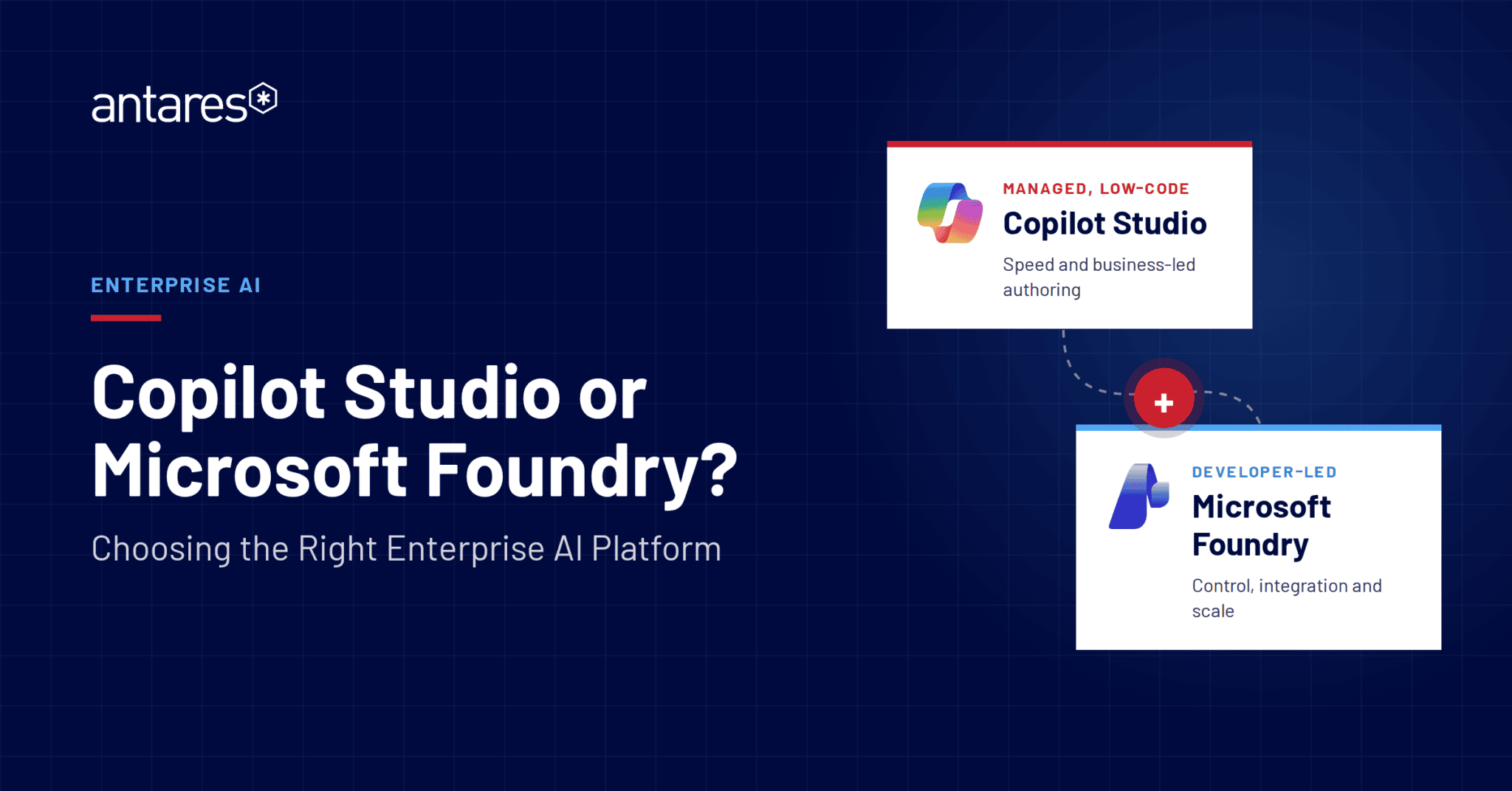
Should you choose Copilot Studio or Microsoft Foundry? Copilot Studio is best suited to organisations seeking a managed, low-code approach for deploying AI agents quickly, while Microsoft Foundry offers deeper control, customisation, integration and scalability for enterprise AI solutions. Many organisations adopt a hybrid model that combines both platforms, using Copilot Studio for user-facing experiences and Foundry for advanced AI services, integrations and governance. This guide compares Copilot Studio vs Microsoft Foundry across governance, cost, integration, scalability and operating model considerations.
Enterprise AI is no longer about giving a few employees access to individual productivity tools. The harder question is how an organisation makes AI available to everyone, connects it to real business systems, and governs a growing estate of digital agents without creating significant cost, risk and duplication.
For Microsoft-aligned organisations, the decision often comes down to Copilot Studio, Microsoft Foundry or a deliberate combination of both. Both can deliver employee-facing and customer-facing agents. Both can connect to enterprise data and systems. The difference is the operating model underneath: how much speed, control, integration, cost management, scalability and governance the organisation needs.
The decision in brief
Making AI broadly available requires two capabilities: employees need simple access to useful agents, and business teams need a governed way to create new AI capabilities without turning every idea into a standalone software project. The organisation must also determine when a managed approach is sufficient and when a use case requires deeper control.
The Copilot Studio approach
Copilot Studio provides a Microsoft-managed path to enterprise AI. Organisations can create agents in a low-code environment, connect them to Microsoft 365 and business systems, apply governance through Microsoft 365, Entra and Power Platform controls, and deploy them quickly to users.
It is well suited to scenarios where rapid delivery, familiar channels and business-led authoring matter, and where its managed knowledge, orchestration, integration and quality controls provide sufficient assurance.
For many organisations, this makes Copilot Studio the fastest route from idea to production. In return for that speed and reduced engineering effort, the organisation adopts Microsoft’s managed approach to key parts of the platform, orchestration and operating model. The decision is whether those standard controls meet the needs of the business process.
The Microsoft Foundry approach
Microsoft Foundry provides a developer-led path for building custom AI applications and agents. It gives product and engineering teams greater control over the application architecture, models, knowledge pipeline, integrations, evaluation, security and production operations.
That control is valuable when the use case is differentiated, technically complex, regulated or requires behaviour and assurance that must be designed around a specific business process. It also means the organisation owns more of the solution and needs the engineering capability to build, integrate, monitor and support it.
The higher initial and ongoing engineering effort should be weighed against the value of deeper control, differentiation and the ability to create reusable services for multiple agents or applications.
When the approaches work together
The approaches are not mutually exclusive. A Copilot Studio agent can provide the primary user experience while Foundry services deliver specialist retrieval, analysis, structured outputs, custom models or reusable integration logic behind it. Organisations may also use Copilot Studio for some use cases and Foundry-built solutions for others. The right choice, whether Copilot Studio, Foundry or a deliberate combination, should be guided by the organisation’s strategic objectives, business requirements, operating model, control needs and sustainable total cost.
Knowledge retrieval and response control
Copilot Studio has evolved into a capable enterprise platform, but its managed operating model still shapes how organisations control knowledge, orchestration and the underlying platform.
A practical place to see that trade-off is in how an agent connects to business content, retrieves evidence and presents its answer.
The decision is whether the standard approach provides sufficient reliability and control for the business process, or whether knowledge handling needs to be designed and managed more precisely.
Copilot Studio supports SharePoint, websites, uploaded files, Dataverse and other enterprise knowledge sources, giving organisations a relatively direct way to ground agents in approved business content. For many scenarios, this approach can accelerate delivery because knowledge connections, permissions and retrieval are configured within the Microsoft ecosystem rather than engineered from the ground up. It is particularly well suited to use cases where content is already organised in Microsoft 365, access patterns are straightforward and the priority is to make trusted information available quickly through an employee-facing agent.
A Foundry-based platform may be preferable when the organisation needs more control over how the agent finds, validates and presents information. For example, the business may need the agent to prioritise an approved policy over an older procedure, retrieve different information according to the user’s role or location, preserve the meaning of complex tables and technical documents, or show the exact source, section and version used in an answer. It may also need the agent to decline to answer when approved evidence cannot be found, or return information in a prescribed format for a compliance summary, service response, case record or downstream system. Delivering these outcomes requires greater control over how content is ingested, segmented, enriched, indexed, retrieved, ranked and cited, as well as how the final response is structured. The practical question, therefore, is not simply whether a platform can connect to the organisation’s documents. It is whether the standard connector produces sufficiently reliable answers, evidence and formatting for the business process, or whether those elements need to be designed and managed more precisely.
Agent behaviour, quality and assurance
Copilot Studio includes test sets, agent evaluations, quality measures, safety evaluators, model choices and custom prompts. These capabilities allow organisations to test whether an agent produces relevant, grounded and safe responses before and after release. This gives teams an established way to assess quality and safety without having to design the entire evaluation framework themselves.
As a Microsoft-managed platform, however, Copilot Studio retains control over parts of the orchestration layer. Microsoft states that makers cannot directly edit the standard orchestrator’s underlying system prompt. Organisations can provide instructions and use separate AI prompts to influence particular logic, model behaviour or outputs, but they do not control every instruction governing how the platform interprets a request, selects an action or constructs a response.
Microsoft also advises organisations to treat model changes as an ongoing production responsibility. An update can affect tool selection, response length, formatting, latency and how instructions are interpreted. Production agents therefore still require regression testing, monitoring and a clear release process to identify changes before they affect users, business processes or downstream systems.
Foundry provides a more customisable approach to application-level evaluation and observability. Its built-in evaluators can assess quality, groundedness, retrieval relevance, safety, tool-call accuracy and task completion, while custom evaluators can be designed around the requirements of a particular business process.
This allows an organisation to define quality in practical terms. For example, it can test whether an answer used approved evidence, whether the correct system action occurred, whether required information was returned in the expected format, or whether the agent completed a process within an acceptable level of quality and risk.
Foundry tracing can also capture inputs, outputs, tool usage, retries, latency and costs across an agent run. This gives technical and operational teams a detailed record of how an outcome was produced, making it easier to investigate incorrect answers, failed integrations, performance issues, unexpected costs or high-risk transactions.
The distinction, therefore, is not whether one platform supports quality management and the other does not. Copilot Studio provides an established, Microsoft-managed quality framework that reduces the effort required to establish and operate a reliable baseline. Foundry gives the organisation or platform provider greater freedom to define the evaluation criteria, tracing, release controls and operational monitoring around a specific business process.
For a well-defined agent where Microsoft’s standard controls provide sufficient assurance, Copilot Studio may offer the most efficient path. For a complex, regulated or business-critical process where the organisation must define exactly what success looks like, understand how each outcome was produced and tightly control how changes reach production, a Foundry-based approach may be more appropriate.
Enterprise integration, ownership and reuse
Enterprise agents are rarely limited to answering questions. They may need to check permissions, update business records, initiate workflows, create service tickets, request approvals and monitor outcomes. Copilot Studio can accelerate these scenarios through managed connectors and Power Platform capabilities. A Foundry-based platform becomes more relevant when integrations need custom logic, must be reused across multiple agents, or require tighter control over security, validation, monitoring and operational ownership.
Consider an employee requesting a new laptop. The agent may need to verify eligibility, obtain approval, allocate an asset, create a service ticket and initiate procurement across several systems. One integration can be built for one agent, but the business decision changes when many agents need the same systems and controls. The organisation must then decide whether each team will create and support its own connections, or whether common integrations, permissions, validation rules and audit trails will be built once and reused. That choice directly affects delivery speed, duplication, support effort and the cost of scaling AI across the organisation.
Governance and lifecycle management at scale
Governance should not be treated as a separate Copilot Studio or Foundry capability. Both approaches use Microsoft Entra for identity and access management and participate in Microsoft’s broader agent-governance model. Agents can be assigned a Microsoft Entra Agent ID, giving each agent a distinct identity, permissions, ownership and audit history.
Regardless of the platform, the organisation must define:
- who may create, approve and publish agents;
- who sponsors, owns and supports each agent;
- which users, data, tools and systems each agent may access;
- how identities and permissions will be reviewed;
- how security, quality, performance and consumption will be monitored; and
- when an agent should be changed, suspended or retired.
Microsoft Agent 365 is Microsoft’s strategic enterprise control plane for agents. It provides a common registry and governance model across Copilot Studio, Foundry and other supported agents, helping administrators understand what exists, who owns it, what it can access and where it sits in its lifecycle.
The Foundry Control Plane has a complementary role for organisations operating Foundry and Azure-based AI workloads. It provides deeper technical visibility across Foundry projects, agents, models and tools, including operational health, compliance, token usage, cost and technical lifecycle management. Azure platform and engineering teams may therefore use the Foundry Control Plane alongside Agent 365, not instead of it.
The level of governance available will depend on the organisation’s licensing and operational maturity. Organisations with the appropriate Agent 365 entitlement can use it as the enterprise-wide governance layer, supported by Microsoft Entra, Defender, Purview, Power Platform and Foundry controls where deeper platform administration is required.
Where the full Agent 365 capability is not yet licensed, organisations should still establish a practical governance baseline using the controls already available through the Microsoft 365 admin centre, Power Platform admin centre, Microsoft Entra, Azure, Defender, Purview and Foundry. The priority is to create a reliable agent inventory, assign ownership and establish approval, monitoring and lifecycle processes rather than waiting for a single product to address every governance requirement.
As the agent estate grows, these controls should converge into a shared governance model. The objective is a consistent organisational view of agents, identities, permissions, owners, performance, cost and lifecycle even when the underlying agents are built and operated through different platforms.
Cost, licensing and the complete AI investment
Do not compare a Microsoft 365 Copilot licence price with an Azure token estimate and call that the business case. The real comparison is the complete cost of delivering useful, integrated and governed AI, including licences, consumption, platform services, implementation, integration, evaluation, training, adoption, support and internal operating effort.
The commercial comparison must also consider who will build and operate the agents. Copilot Studio can enable trained business users or functional teams to deliver well-defined agents more quickly, with IT providing guardrails and support. A Foundry-based approach generally requires more specialist product, data and engineering capability, but may be justified when the organisation needs custom architecture, deeper integration or tighter technical control.
Understanding the Copilot Studio cost model
Copilot Studio costs depend on who will use the agent and what Microsoft licences they already hold.
A Microsoft 365 Copilot licence covers the broader Copilot experience across Microsoft 365, not a single agent. If employees already require that licence, eligible internal agent usage may be included. The full licence cost should therefore not be attributed to one HR, IT or finance agent.
Copilot Credits apply to separately metered agent activity, particularly when agents serve users without an eligible licence, reach external audiences or use capabilities outside the included entitlement. Consumption varies according to the number of users, interaction volumes and the complexity of the agent’s responses and actions.
For an organisation-wide deployment, the most economical approach may combine Microsoft 365 Copilot licences for employees who need the full productivity experience with consumption-based Copilot Credits for users who only need specific agents. The business case should also include premium connectors, related Power Platform services, implementation, training, governance and support.
Understanding the Foundry cost model
Foundry does not have a single per-user licence covering the completed solution. The organisation pays for the Azure services and specialist capability required to build and operate it.
The cost has two main components: baseline costs, such as hosting, storage, search or knowledge services, networking, security, monitoring and the engineering capability required to support the application; and variable costs, such as model tokens, agent activity, retrieval queries, document processing, tool calls and data movement.
The monthly cost will vary with model choice, usage volumes, response length, retrieval activity, logging and availability requirements. A Foundry estimate should therefore separate baseline operating costs from variable consumption and include the cost of development, integration, testing and ongoing engineering, and should not present token pricing as the total cost.
Comparing the models on the same basis
For Copilot Studio, include existing Microsoft 365 Copilot entitlements, incremental Copilot Credits, premium connectors, implementation, training, governance and support. For a Foundry-based approach, include baseline Azure services, variable consumption, application development, integration, testing, monitoring, security and ongoing engineering.
The commercial decision is not simply whether a Copilot licence, Copilot Credit or Azure token is cheaper. These charges cover different parts of the service. Copilot Studio may reduce delivery effort and shorten time to value by providing more of the capability as a managed service. Foundry provides more control over architecture, integration, behaviour and operations.
The right comparison is the complete cost of achieving and sustaining the required business outcome, taking into account delivery speed, available skills, training, implementation effort, support responsibilities and the level of control required.
When Copilot Studio and Foundry work together
Copilot Studio and Foundry can work together in two ways. In a combined agent design, Copilot Studio provides the user experience while Foundry delivers specialist retrieval, analysis, structured outputs, custom models or reusable integration services behind it.
To the user, this can remain a single Copilot Studio agent. The benefit is a familiar Microsoft 365 experience with additional control where it matters. The trade-off is added integration, testing, monitoring, support and Azure consumption.
A hybrid operating model is broader: the organisation uses Copilot Studio for some use cases, Foundry-based solutions for others, and combined designs where both add value.
Both approaches require clear ownership of the experience, orchestration, data access, integrations, security, evaluation, lifecycle, support and cost.
The practical decision
The decision should start with seven executive questions:
What business outcome must the agent deliver?
Who will use it, and through which channels?
Which data and systems must it access or act upon?
How much control and assurance does the process require?
Who will build, govern and support it?
How many agents and reusable capabilities are likely?
What is the complete cost to build, run and sustain it?
Choose Copilot Studio for rapid delivery, Microsoft 365 alignment and business-led authoring when its managed controls provide sufficient assurance. It is often the fastest and lowest-effort path for well-defined scenarios.
Choose a Foundry-based platform when the organisation needs greater control and reusable enterprise capability without turning every use case into a standalone engineering project. The higher initial investment should be weighed against reduced duplication and support effort as adoption grows.
Choose a combined Copilot Studio and Foundry design when Copilot Studio provides the right primary experience but selected tasks require Foundry-based control or specialist capability. Choose a broader hybrid operating model when different use cases genuinely require different delivery approaches.
Cost must be assessed alongside capability and control. Compare existing Microsoft 365 entitlements, Copilot Credits, Azure baseline and variable charges, implementation, integration, training, governance, support and ongoing engineering. The preferred option is the one that delivers the required outcome at the lowest sustainable total cost, not the lowest headline rate.
The goal is an operating model the organisation can build, assure, operate and sustain as adoption grows.
Still deciding between Copilot Studio and Microsoft Foundry?
Join Sulabh Jain and Dean Corcoran, Microsoft’s CTO for Partners, for a practical executive discussion on platform selection, governance, cost and scaling AI across the enterprise.